Financing products

September 24, 2026
How to implement KSeF alerts in your company? Channels, security and best practices
This material is for informational purposes only and does not constitute tax, legal or cybersecurity advice.
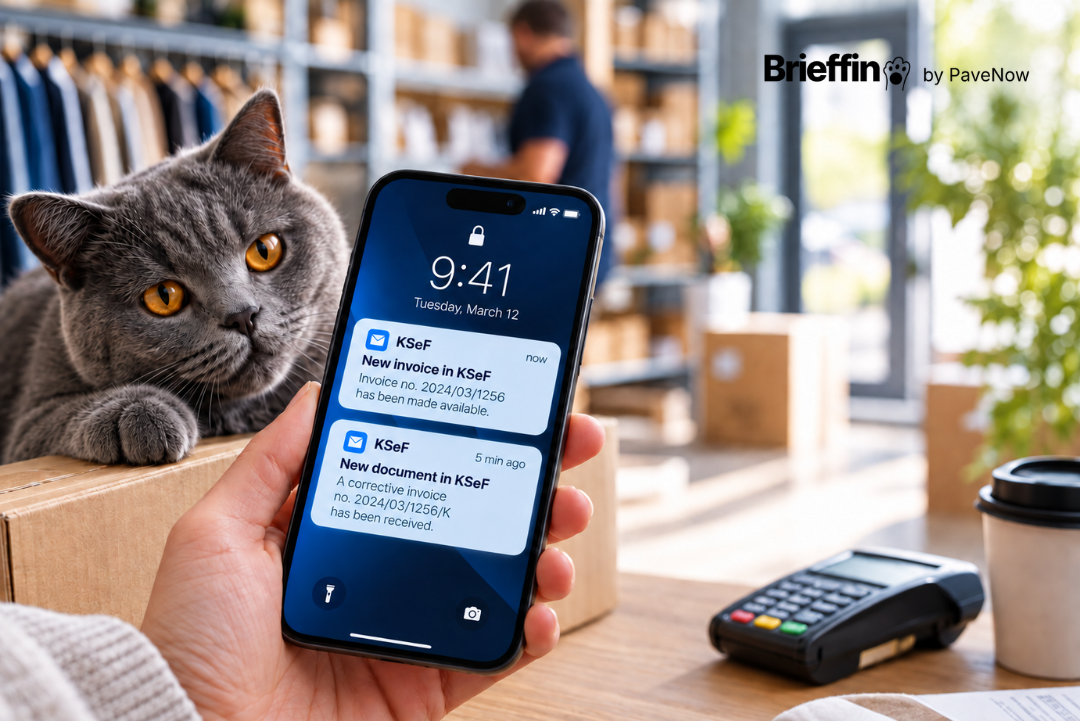
KSeF does not automatically send notifications about new invoices. Simply having access to documents does not mean that the right person in your company will learn about them at the right time.
This problem can be solved with automatic KSeF monitoring. Enabling alerts, however, is only the beginning. You also need to decide who should receive them, through which channel, what information they should contain and what should actually happen once a notification arrives.
Poorly configured alerts can quickly become another source of noise. When implemented properly, they can shorten the time between a document appearing and the company taking action, while also making responsibility for invoices clearer. If you first want to understand whether KSeF sends notifications itself and what options are available for monitoring new invoices, read our guide to KSeF notifications.
In this article, we focus on the next step: how to implement KSeF alerts so that they genuinely support your company's day-to-day work.
How does automatic KSeF monitoring work?
KSeF 2.0 allows external software to integrate with the system through an API. Once the application has been properly authenticated and granted the required permissions, it can communicate with KSeF and retrieve information about documents.
At the same time, the Ministry of Finance confirms that KSeF does not automatically send system notifications when a new invoice is received. Software used by the taxpayer therefore needs to check the system regularly if it is expected to provide information about new documents.
This is what automatic monitoring does.
The software checks KSeF in the background, identifies new activity and passes the information to the user. As a result, the business owner does not need to open the application several times a day just to see whether anything has changed.
This is what distinguishes monitoring from simply having access to KSeF. Access allows you to check documents when you remember to do so. Monitoring tells you when something new has appeared. A good system should also recognize events the user has already been notified about. If the same invoice generates several identical messages, trust in the alerts will quickly decline.
KSeF alert vs financial report - they are not the same thing
An alert primarily answers one question: What has just happened? Its role is to draw attention to a specific event. It should be short, clear and delivered quickly enough for the user to decide whether action is required.
A financial report serves a very different purpose. It answers the question: What can we learn from the data collected over a certain period? It may show cash flow, customers, payment deadlines, balance changes or differences between forecast and actual inflows and outflows.
This kind of analysis requires broader context, so not every change should generate an immediate notification. In Brieffin, these two types of information are separated. New KSeF activity is delivered to the user as an alert, while information about cash flow and customers can be grouped into the Weekly Brief, which is currently in beta.
This means that an important KSeF event does not need to wait for the next report, while financial analysis does not turn into a stream of disconnected messages. This also matters from the perspective of user attention. Not every new piece of information needs to become an alarm.
Which events are worth monitoring?
The most obvious example is a new invoice. For the buyer, this may mean a new document that needs to be checked, approved or included in planned payments. Depending on the capabilities of the tool being used, monitoring may also cover other types of activity.
However, it is not worth starting from the assumption that more alerts are always better. If nobody in the company knows what to do after receiving a notification, it probably does not need to be sent to everyone. Well-configured monitoring should help distinguish a signal that requires attention from yet another message that will start being ignored after a few days.
What should a good KSeF alert contain?
Above all, a notification should allow the user to quickly understand what it is about. A general message such as "something has changed in the system" provides very little value. It forces the recipient to log in somewhere else simply to find out what actually happened.
1. A clear event type
The recipient should immediately know whether the notification concerns a new invoice, a correction or another type of activity supported by the application.
2. Information that identifies the document
Depending on the situation, useful information may include:
- counterparty,
- amount,
- date,
- KSeF reference number.
The alert does not need to contain the entire invoice. It should, however, provide enough information for the user to decide whether the document needs to be checked immediately.
3. The source of the information
The user should know where to find the relevant document. The shorter the path between the alert and the source, the easier it is to move from information to action.
4. Appropriate delivery time
A notification sent several days after the document was detected does not solve the problem of manually checking KSeF. This does not mean, however, that a provider should promise absolute immediacy. Speed depends on factors such as how the integration works, how frequently the system is checked and system availability. What matters most is that the process is predictable.
KSeF alerts by email or Telegram?
There is no single best channel for every company. The best one is the channel where the right person will actually notice the message and know what to do next.
KSeF alerts by email
Email is a natural choice for many businesses. A message can be forwarded to accounting, flagged, assigned to a folder or found again several weeks later. It also works well for organizations that already use a shared finance inbox.
The problem appears when the inbox receives hundreds of messages every day. A KSeF alert can easily disappear between sales correspondence, newsletters and other automated notifications.
In that case, it may be worth using rules, a dedicated folder or a separate email address for financial notifications.
KSeF alerts via Telegram
Telegram is more direct. It can be convenient for a business owner or finance manager who wants to see information even when they are not currently working in their email inbox. The messenger should not, however, replace the company's financial system or become an archive for complete financial documentation. Its primary role is to deliver the signal.
Brieffin currently provides KSeF alerts by email and Telegram, allowing the user to choose the channel that best fits the way they work.
Who should receive KSeF alerts?
One of the most common mistakes is sending every notification to everyone. At first glance, this may seem safer. More people see the message, so theoretically it should be harder to overlook something. In practice, the opposite can happen.
If five people receive the same alert, each of them may assume that someone else will deal with it. The primary recipient should therefore be the person who can initiate the next step in the process.
This may be:
- the business owner,
- an administrative employee,
- the person responsible for payments,
- a member of the finance team.
An external accounting firm may be responsible for recording documents, but the decision to approve a cost often still remains with the company. If invoices require additional confirmation, it is worth establishing a simple workflow:
alert -> document verification -> approval -> payment plan -> accounting
This way, the notification starts a process instead of ending with someone simply reading the message.
How can you connect an application to KSeF securely?
Integrating an application with KSeF requires proper authentication and permissions. KSeF distinguishes between different levels of access, including the ability to view and issue invoices.
The Ministry of Finance also states that when multiple clients are handled, authorization must take place separately in the context of each client's NIP.
Before connecting an external application, it is therefore worth checking what level of access it actually requires. A good practice is to follow the principle of least privilege. If the application's role is to monitor documents, it should not receive access to functions it does not need.
It is worth checking:
- whether the tool can only read data or can also issue documents,
- whether it stores the signing key,
- whether the user can easily revoke access,
- what data is retained after the integration is disconnected.
The phrase "KSeF integration" alone does not tell you what level of access an application actually receives.
Brieffin operates in read-only mode. It cannot issue or modify invoices and cannot make payments. The signing key is not stored by the application. This allows the tool to perform its monitoring function without receiving broader permissions than it needs.
How do you enable alerts in Brieffin?
To start using KSeF alerts in Brieffin, you need your company's NIP and a one-time authorization. Once authorization is complete, Brieffin receives the limited access required to monitor KSeF data.
The application then works in the background and sends alerts about new activity. Notifications can be delivered by email or Telegram. Connecting a bank account is not required to use KSeF alerts.
A bank account is a separate, optional source of data used for features related to cash flow and customer analysis. This means a company can start by solving one specific problem, monitoring KSeF, without connecting additional data sources.
Example: what happens after you receive an alert?
Imagine that a company receives an alert about a new purchase invoice for PLN 18,000. The person responsible for finance checks the supplier, the amount and the document. They then compare the invoice with the order or contract and ask the person managing the project to confirm that the service has been completed. If everything matches, the document is forwarded to accounting and included in planned payments.
If the amount differs from what was agreed or the invoice was issued to the wrong entity, the company can contact the supplier immediately. The discrepancy is therefore identified shortly after the document appears rather than just before the payment deadline.
This is where the real value of an alert becomes visible. It does not end with the information that "a new invoice has appeared". The value lies in the extra time to react and the process that can be started earlier.
4 most common mistakes when implementing KSeF alerts
1. Nobody is responsible for the alert
The company enables notifications but does not assign an owner to the process. Messages arrive in a shared inbox and everyone assumes that someone else will take care of the document.
2. The application receives permissions that are too broad
The level of access should match the function of the tool. If an application is supposed to monitor documents, it is worth checking whether it actually needs the ability to perform other operations.
3. An invoice is treated as information about a payment
The presence of a document in KSeF does not mean that payment has been made. The invoice and the actual movement of money are two different sources of information. If a company wants to analyze real cash flow, KSeF data needs to be compared with information about actual transactions.
4. The company generates too many notifications
If every document is sent to several people through several channels at the same time, the notifications will quickly start being ignored. It is better to begin with one primary recipient and one channel, and expand the process only when there is a genuine need.
How can you check whether KSeF monitoring is working?
The simplest metric is not the number of alerts sent. If invoices used to be noticed only once every few days, but after monitoring is introduced the right person checks them on the same day, the process is working faster.
It is also worth monitoring:
- the number of documents without a clear owner,
- the number of duplicate alerts,
- the percentage of notifications that lead to action,
- how quickly documents are forwarded to accounting,
- how often errors or unexpected costs are identified earlier.
After a few weeks, you can carry out a simple review.
Does the recipient know what to do after receiving a message? Does the alert contain enough information? Does the right person learn about the document earlier? Are the notifications helping, or are they starting to be ignored?
The goal of monitoring is not to maximize the number of notifications. The goal is to reduce the number of events that are missed.
KSeF alerts as the first step towards better financial control
Alerts do not replace accounting, payment planning or financial analysis. They do, however, solve an important initial problem: information about a new event reaches the right person without the need to continuously check KSeF.
This can be the first step towards organizing a broader financial process.
A purchase invoice may represent an expected expense. A sales invoice may represent an expected inflow. Data from actual bank transactions, in turn, shows whether those cash flows really occurred.
Brieffin is developing this model step by step.
KSeF alerts are available free of charge. Features related to bank data analysis and the Weekly Brief are currently being developed in beta. You can therefore start with simple monitoring of new KSeF activity and later decide whether you need a broader view of your company's finances.
One less thing to check.